How it plays
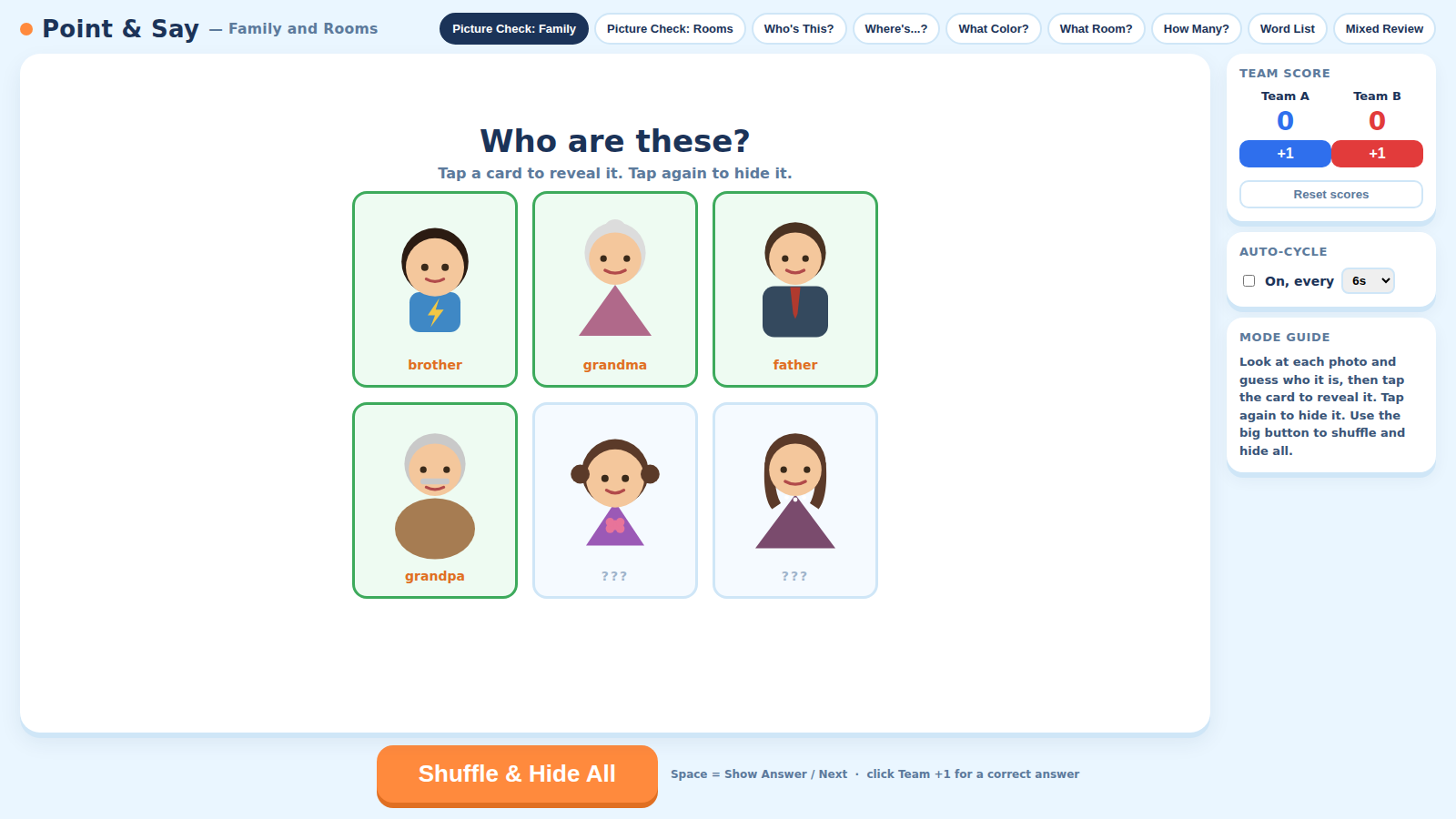
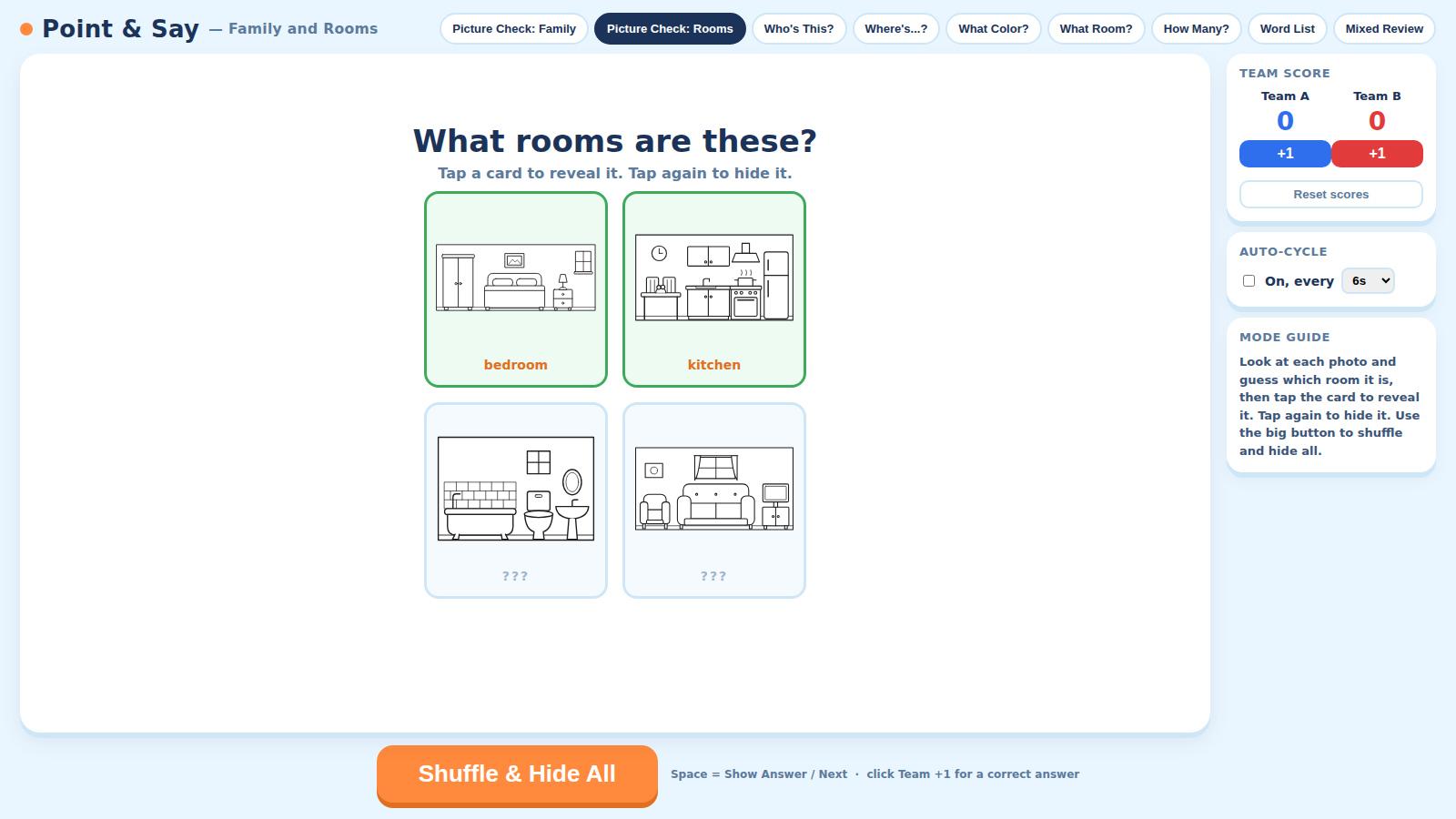
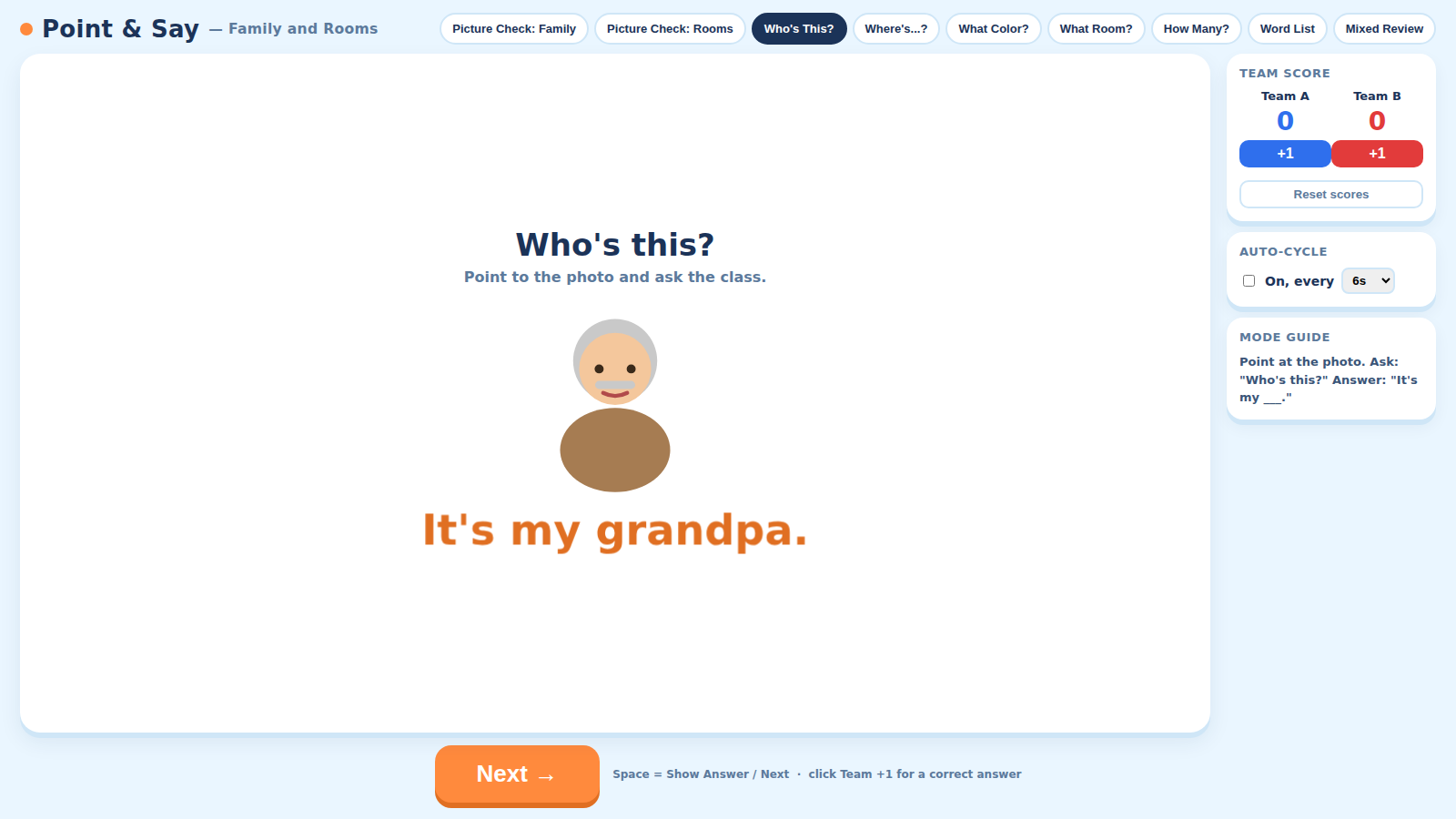
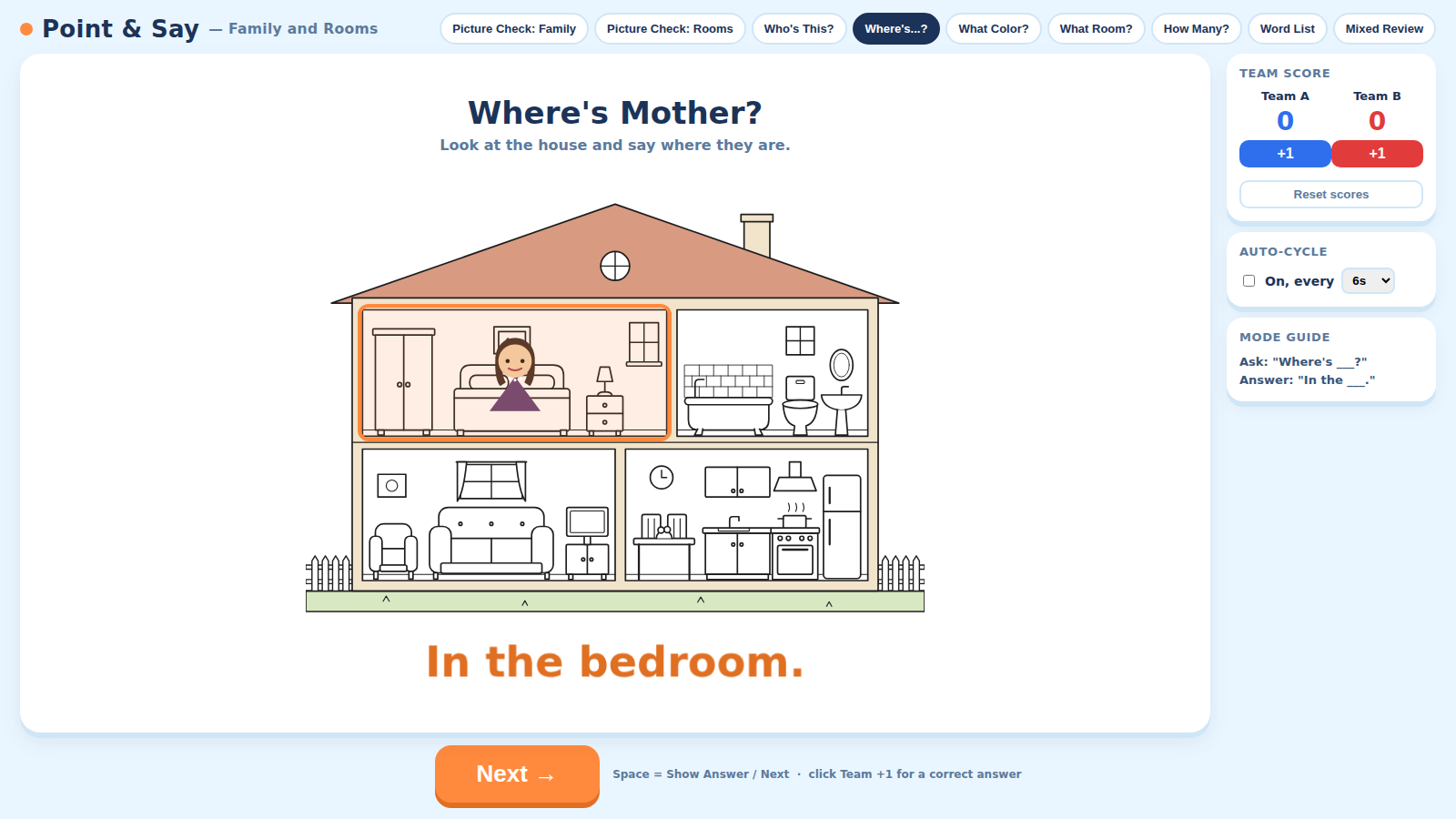
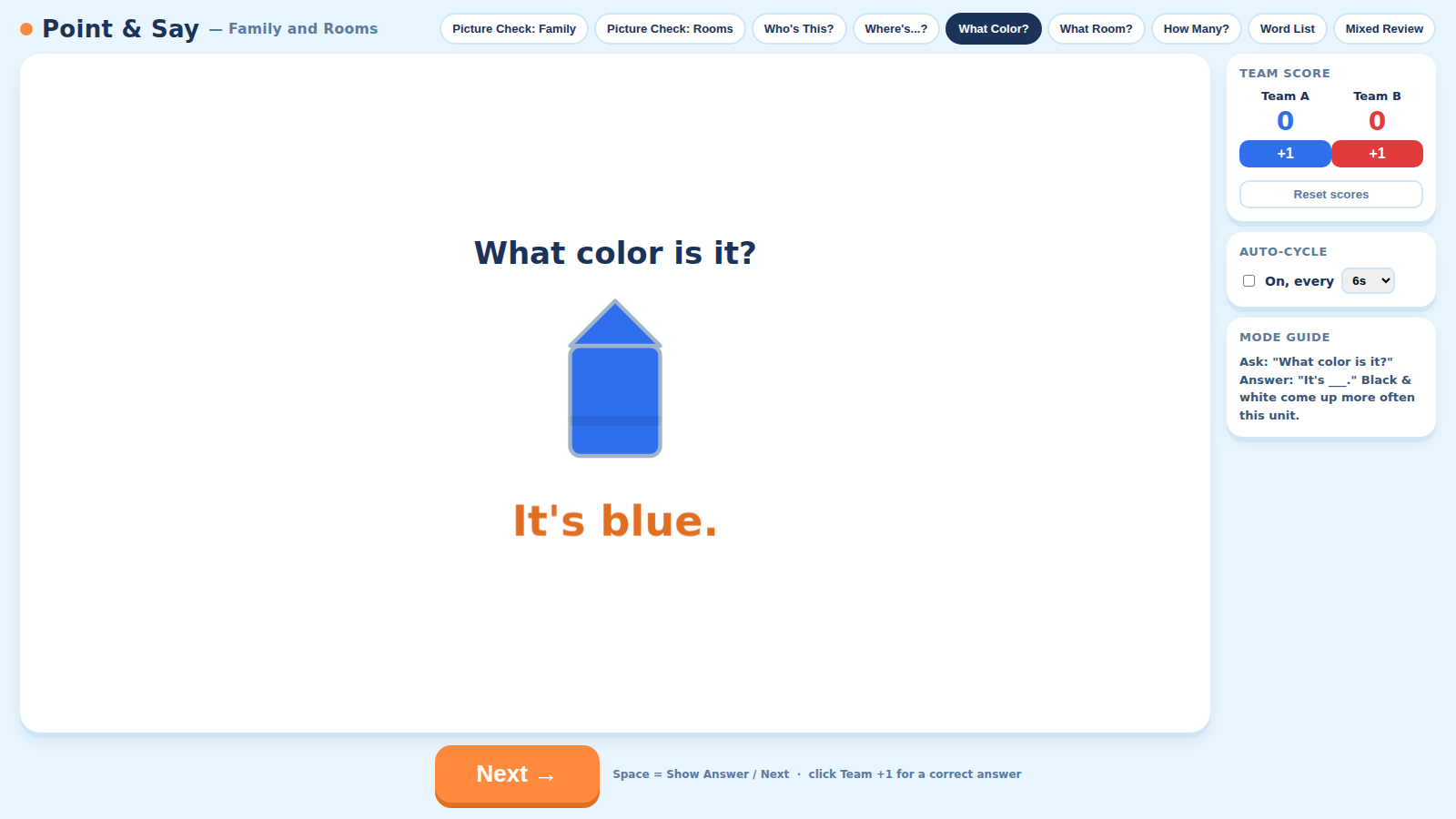
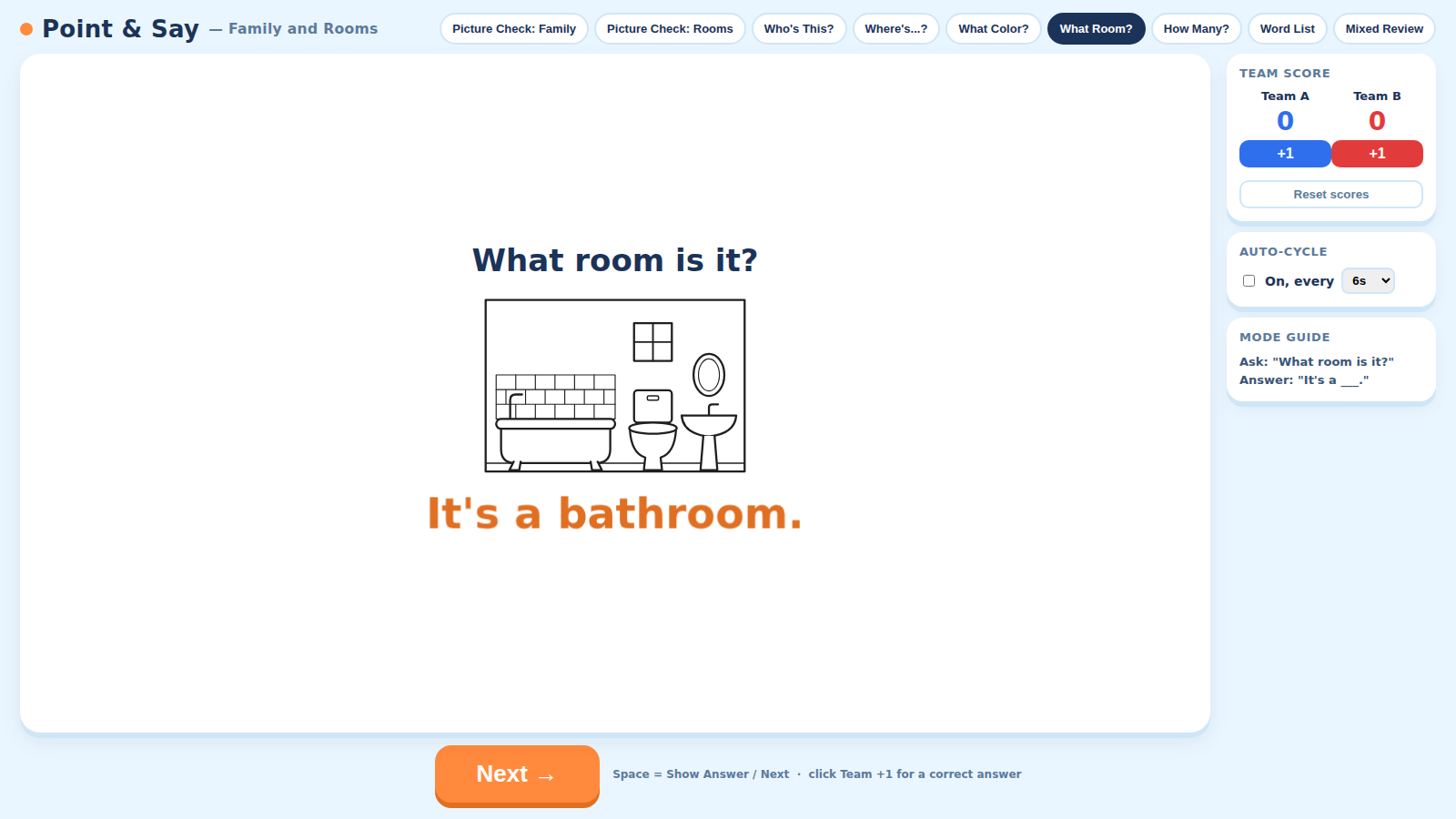
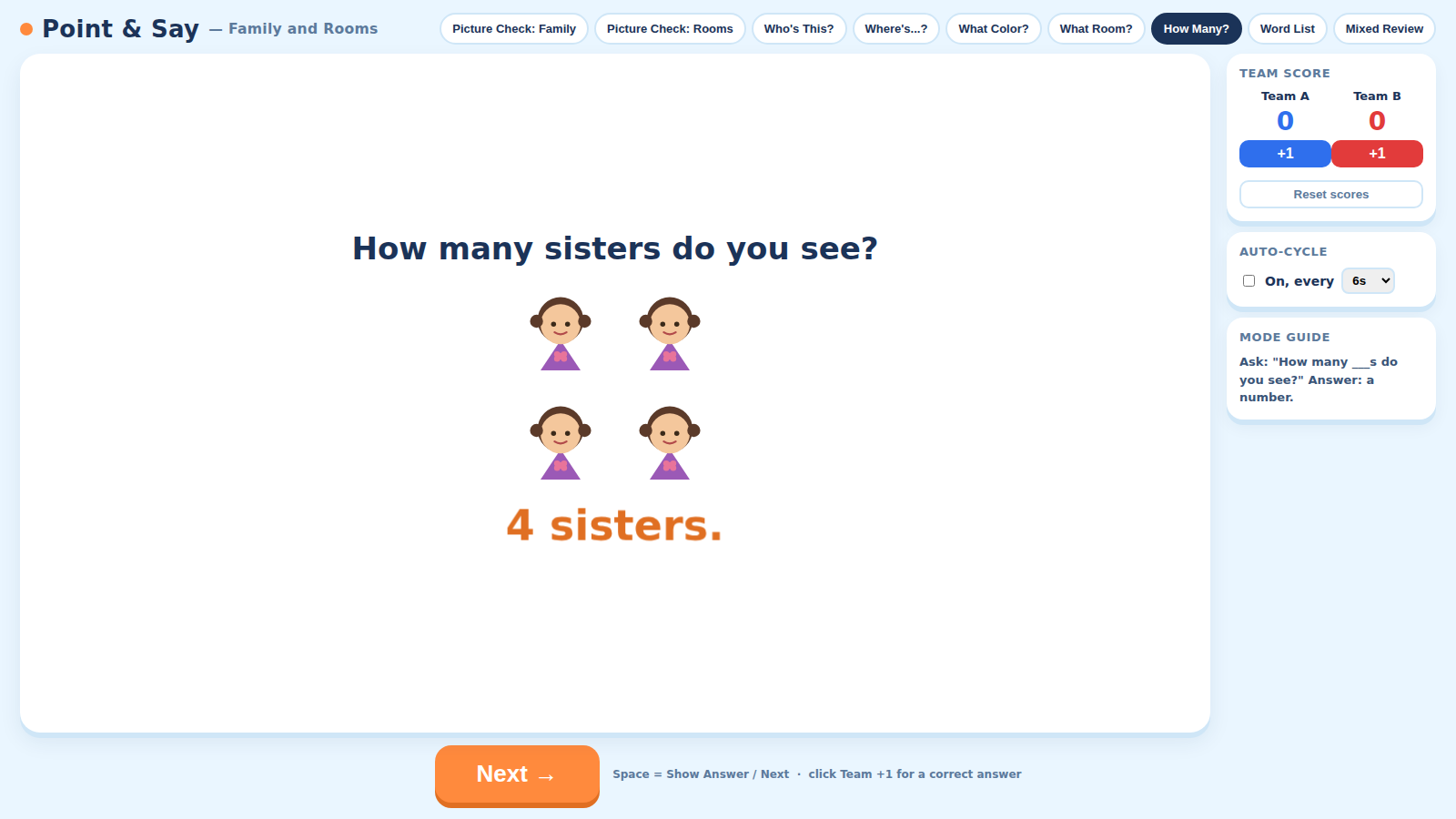
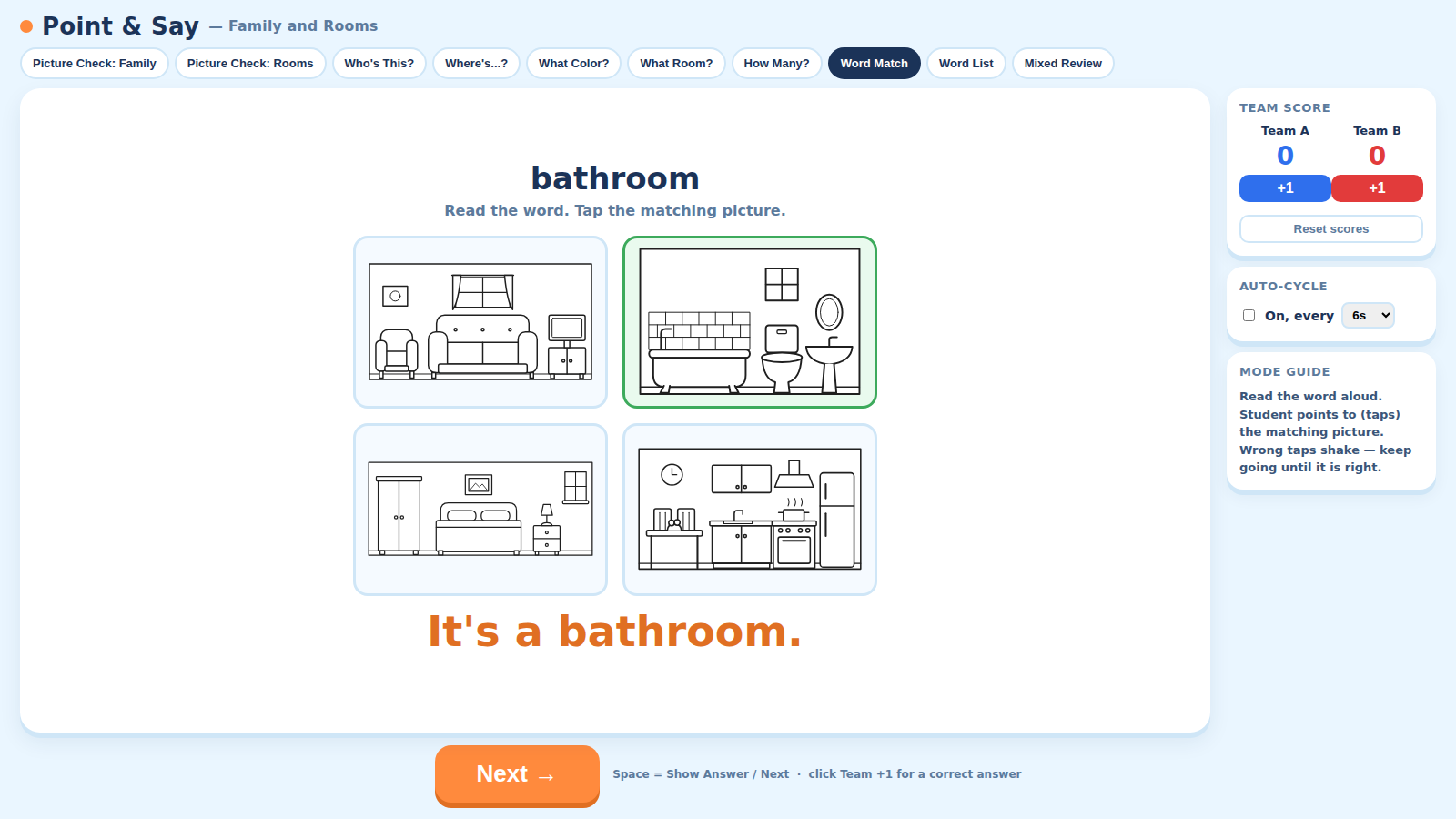
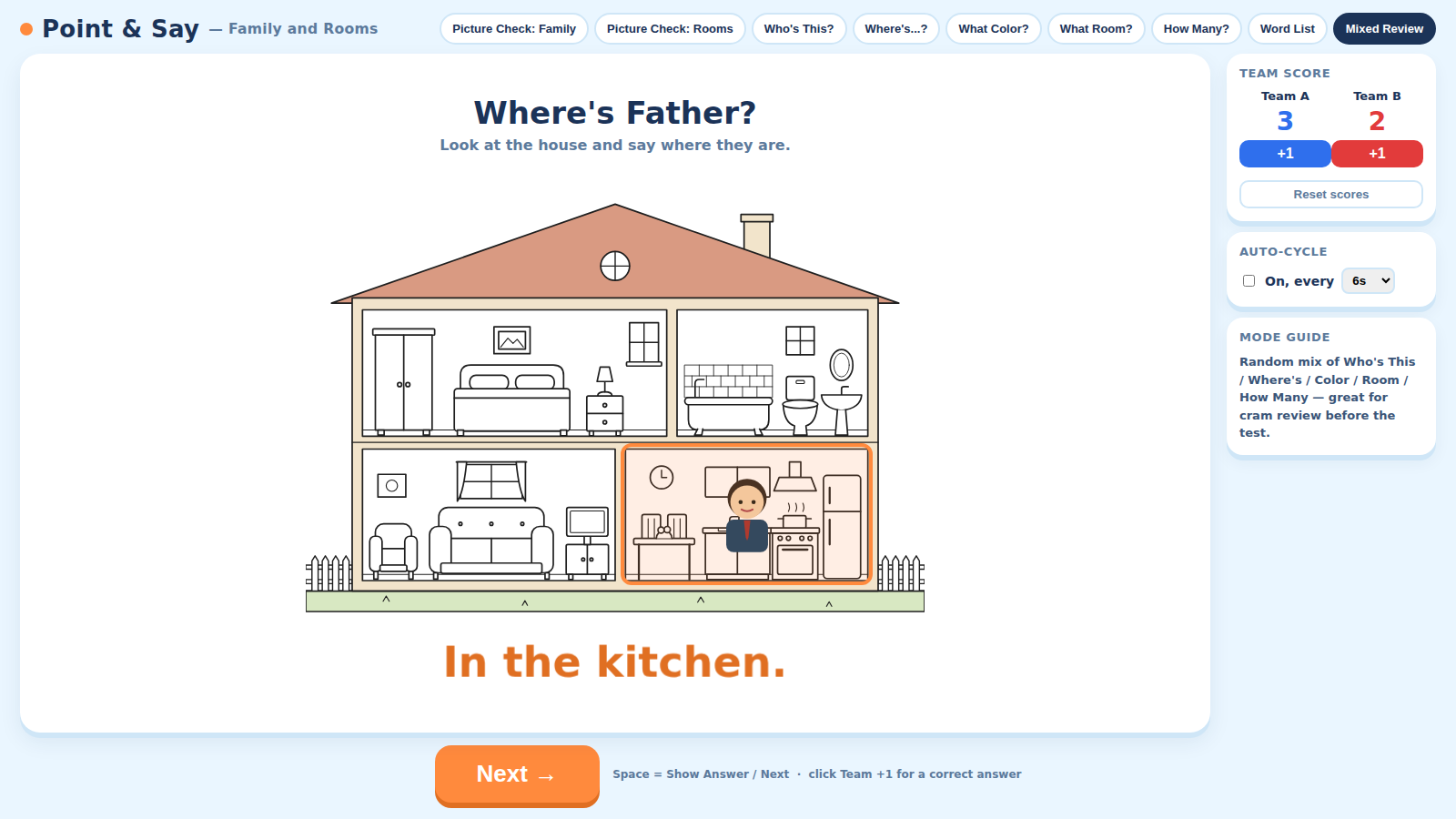
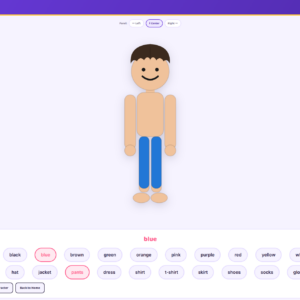
Point and Say – Family and Rooms drills the Unit 3 vocabulary set — grandpa, grandma, father, mother, brother, sister, plus kitchen, bathroom, bedroom, and living room — along with colors and counting, through ten switchable modes. Two Picture Check modes (Family and Rooms) let students meet every card first — tap to reveal, tap to hide — before any quiz starts. Who's This? asks the core oral-test pattern with full-sentence answers expected ("It's my grandpa."). Where's…? is the standout: a cutaway house lights up one room with a family member inside, and students answer "In the kitchen." What Room? shows a single room to name ("It's a bathroom."), What Color? drills colors — with black and white appearing more often because they are new this unit — and How Many? has students count brothers, sisters, and chairs. Word Match flips it around — students read a word and tap the matching picture, so they are practicing reading rather than memorizing card position. Word List shuffles every word so each student gets a turn reading one aloud. Mixed Review randomly cycles the quiz modes, with an optional Auto-Cycle timer (4–14s) for rapid-fire, test-speed pace. Built-in two-team scoring runs throughout.
Features
Learn before you're quizzed
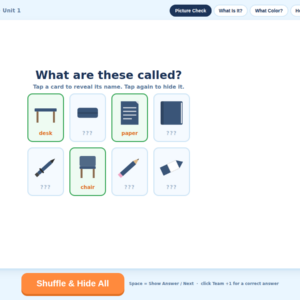
Two Picture Check modes show every family member and every room in a shuffled grid with a hidden label — students guess, then tap to reveal, before any scoring starts.
A house tour for Where's…?
A cutaway house highlights one room with a family member inside, so students practice "Where's Mother? — In the bedroom." with a picture they can point to.
Reading practice built in
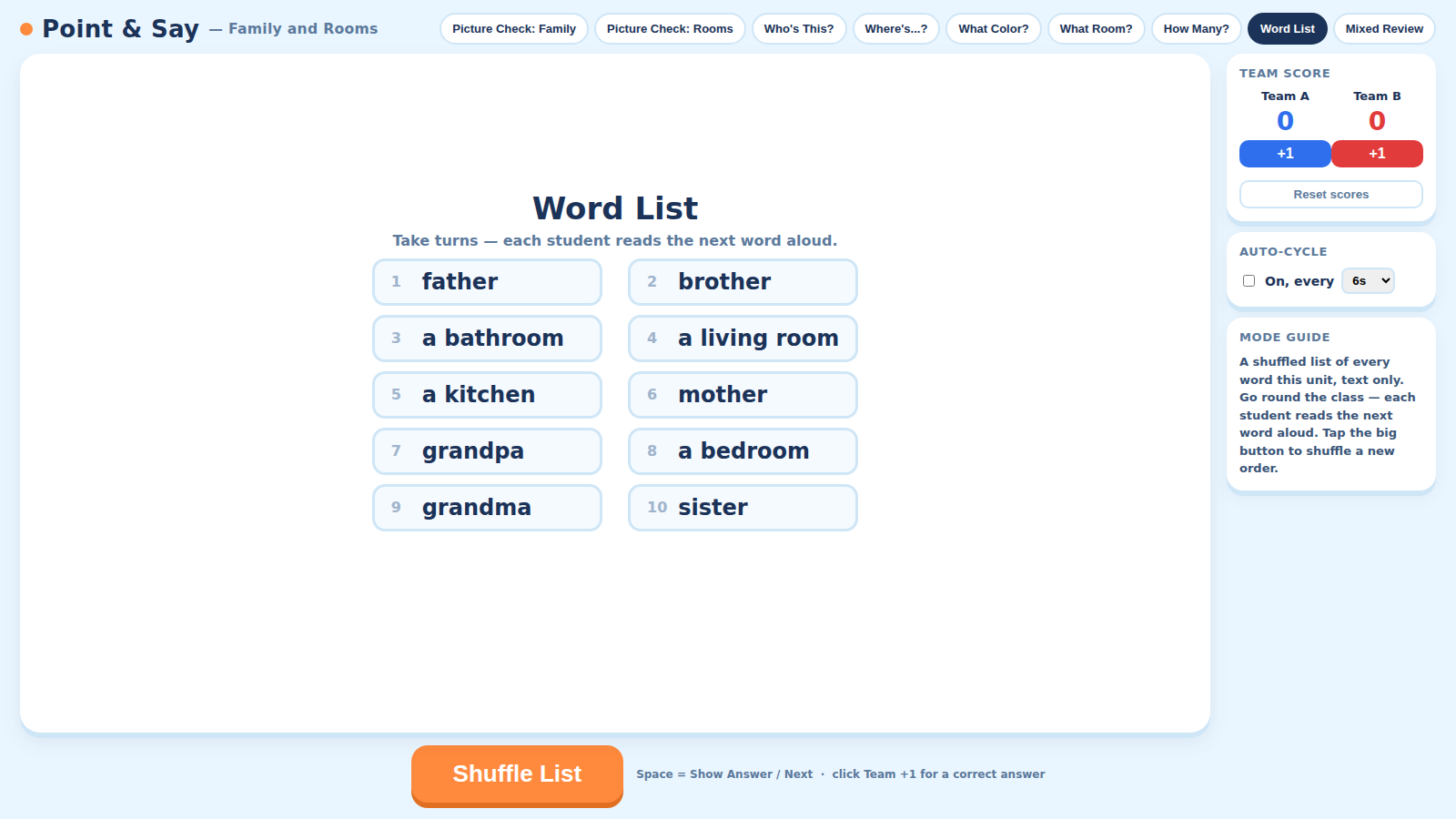
Word Match shows only the text of a word — students read it aloud and tap the matching picture. Word List then shuffles all ten words for round-robin reading, one turn per student.
Auto-Cycle for test-speed cram review
Mixed Review can run hands-free on a 4–14 second timer, simulating the pace of the real test — perfect for the lesson right before testing.
What’s included
- ✓Windows installer (.exe)
- ✓Mac installer (.dmg)
- ✓YouTeacher Activator — one app licenses every game on your USB
Set up in 4 steps
-
Start with Picture Check
Let students meet every family member and every room first — tap to reveal, tap to hide — before anyone is quizzed on them.
-
Drill the question types
Switch between Who's This?, Where's…?, What Room?, What Color?, and How Many?, awarding points with the +1 buttons as students answer in full sentences.
-
Practice reading with Word Match and Word List
Show a word and have a student read it aloud, then tap the matching picture. Shuffle the Word List so everyone gets a turn reading.
-
Cram with Mixed Review
Turn on Auto-Cycle before a test to run the quiz modes back-to-back at your chosen pace.
Reviews
There are no reviews yet.