How it plays
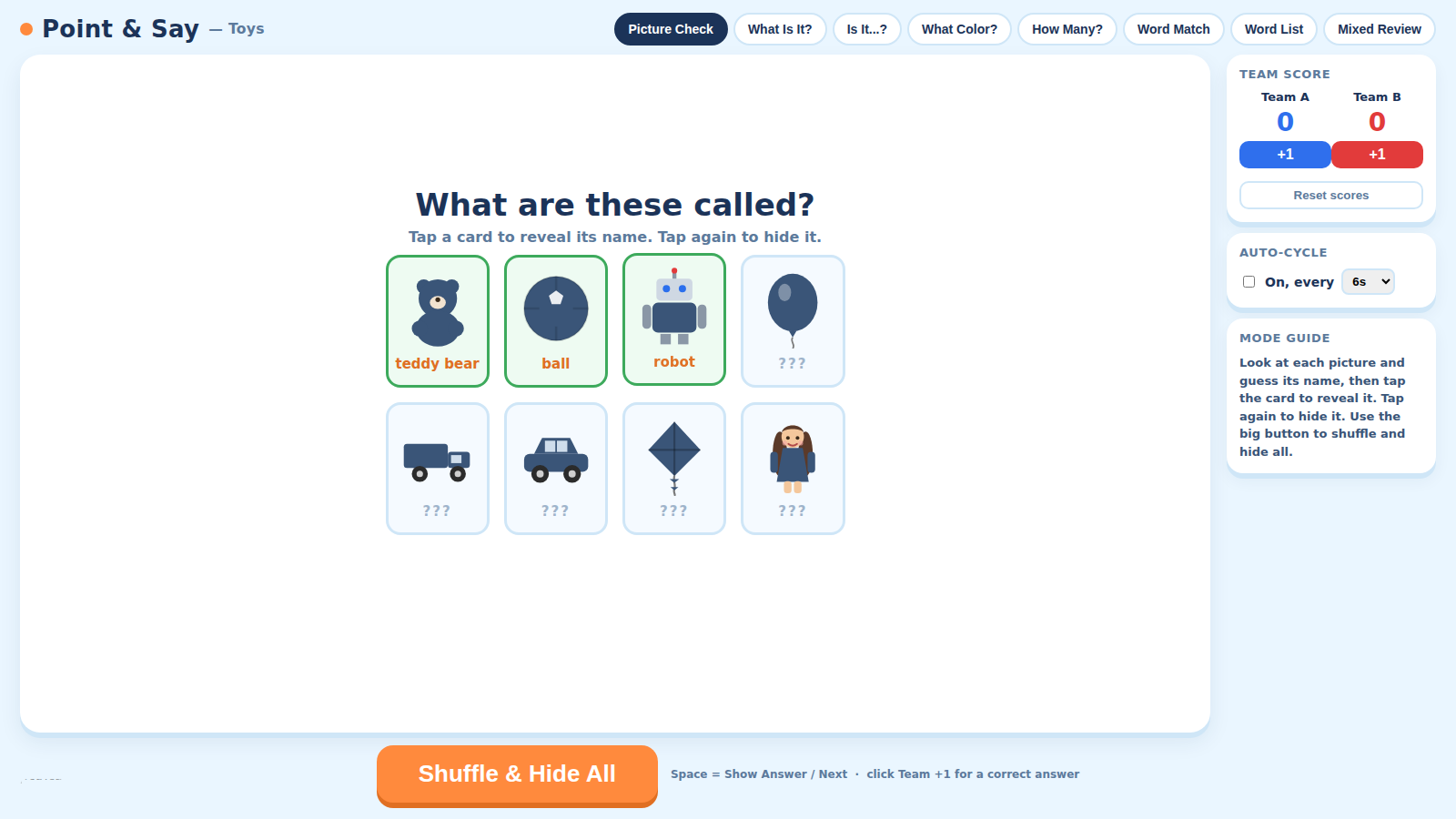
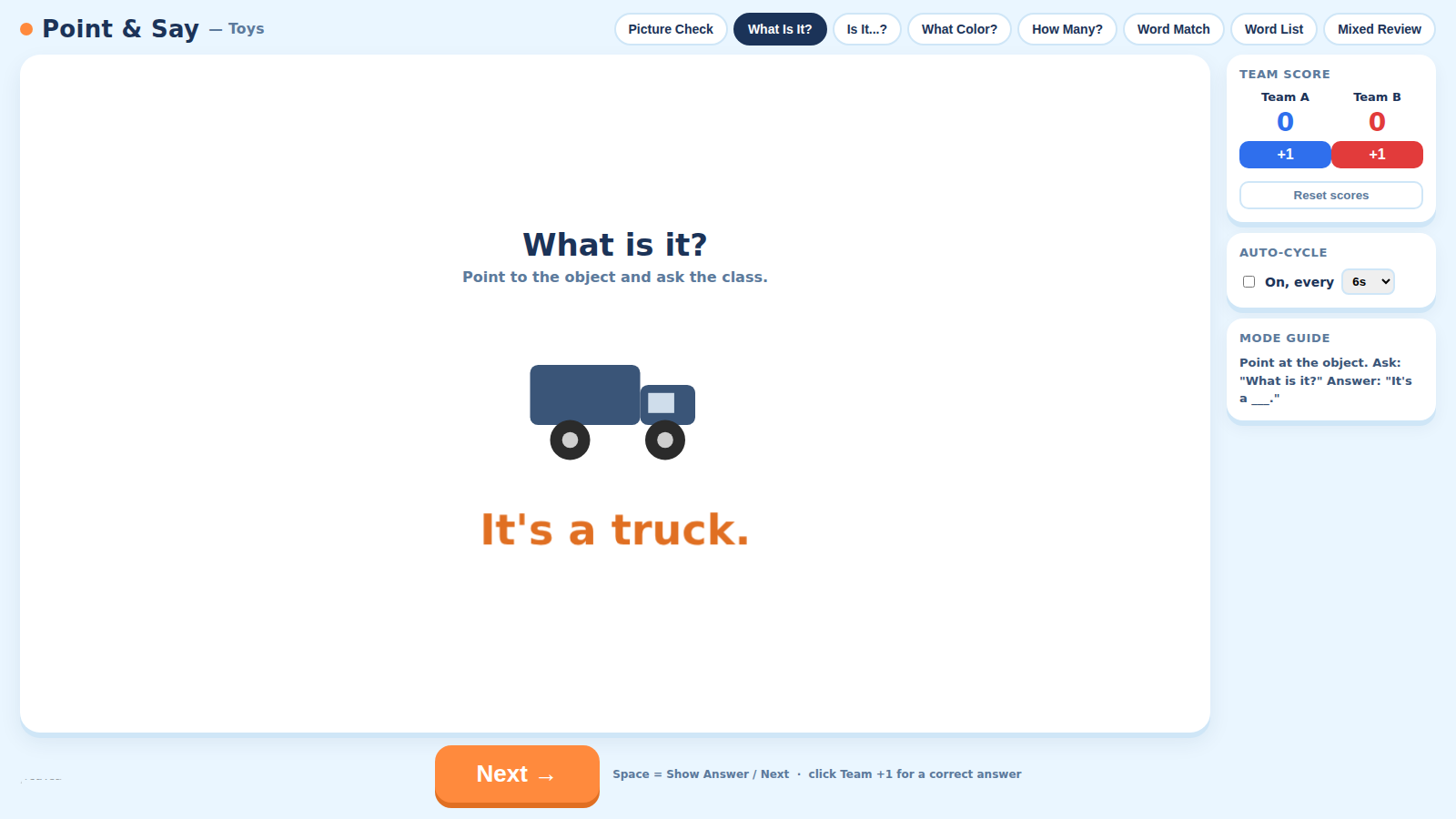
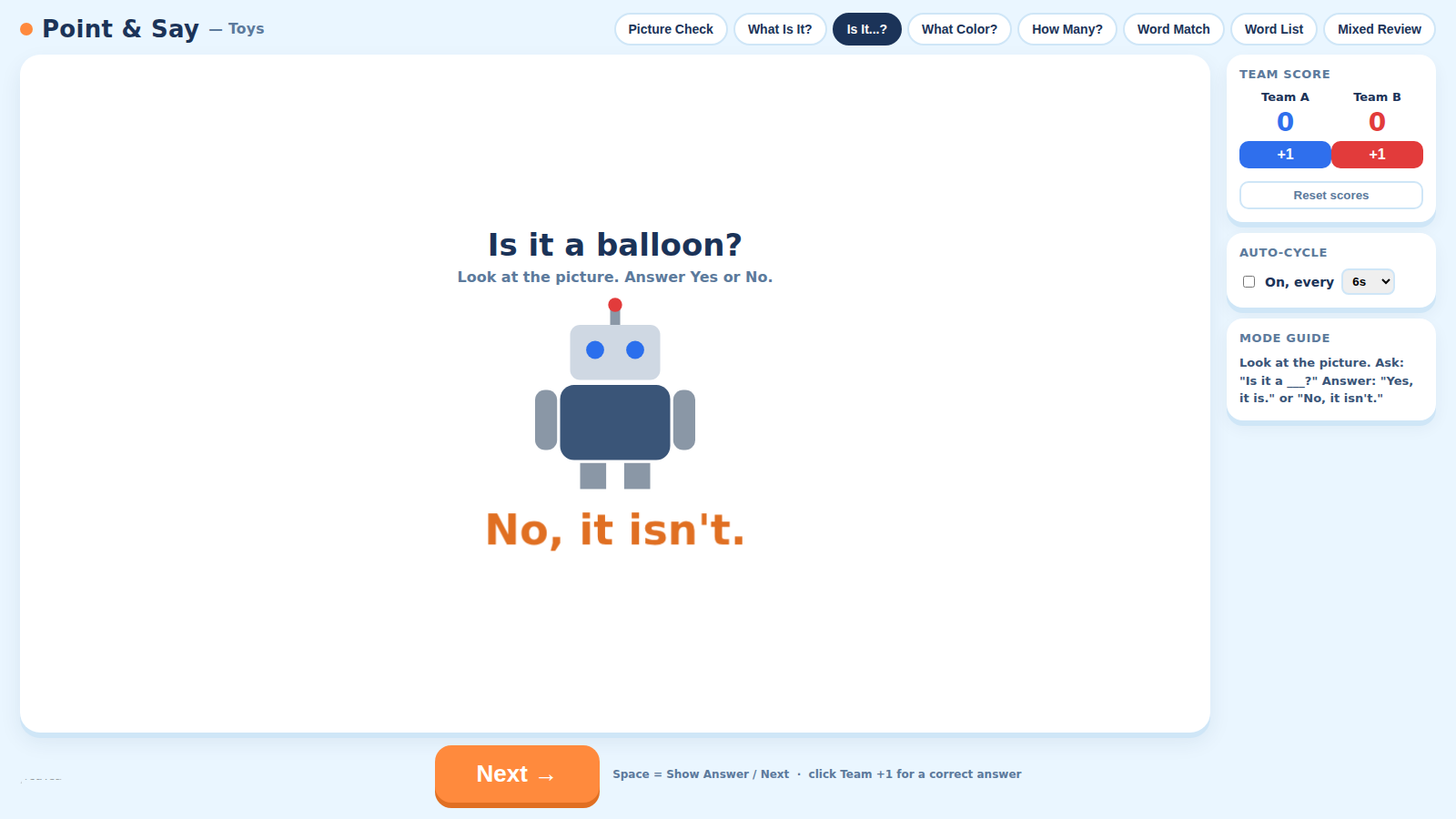
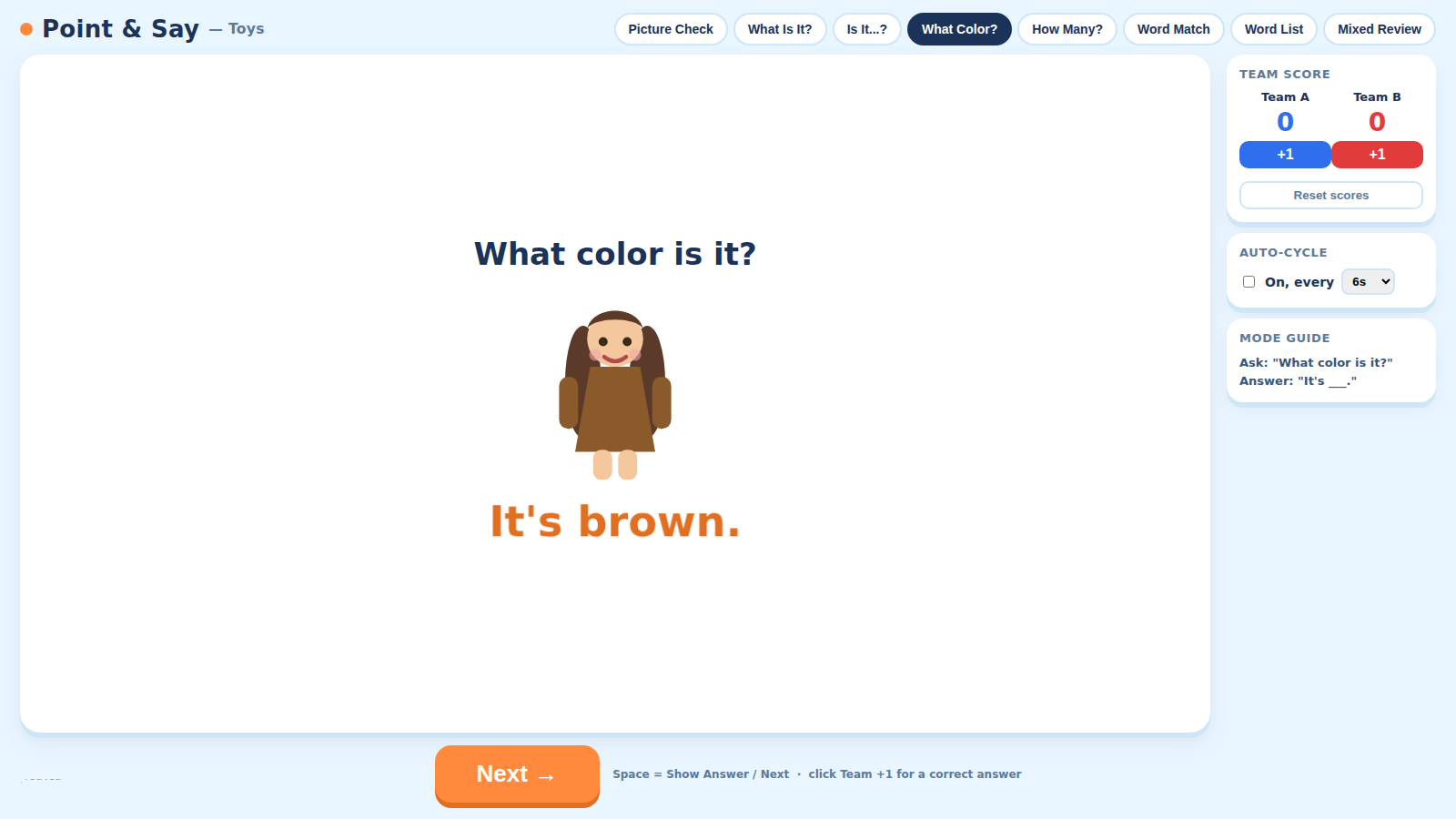
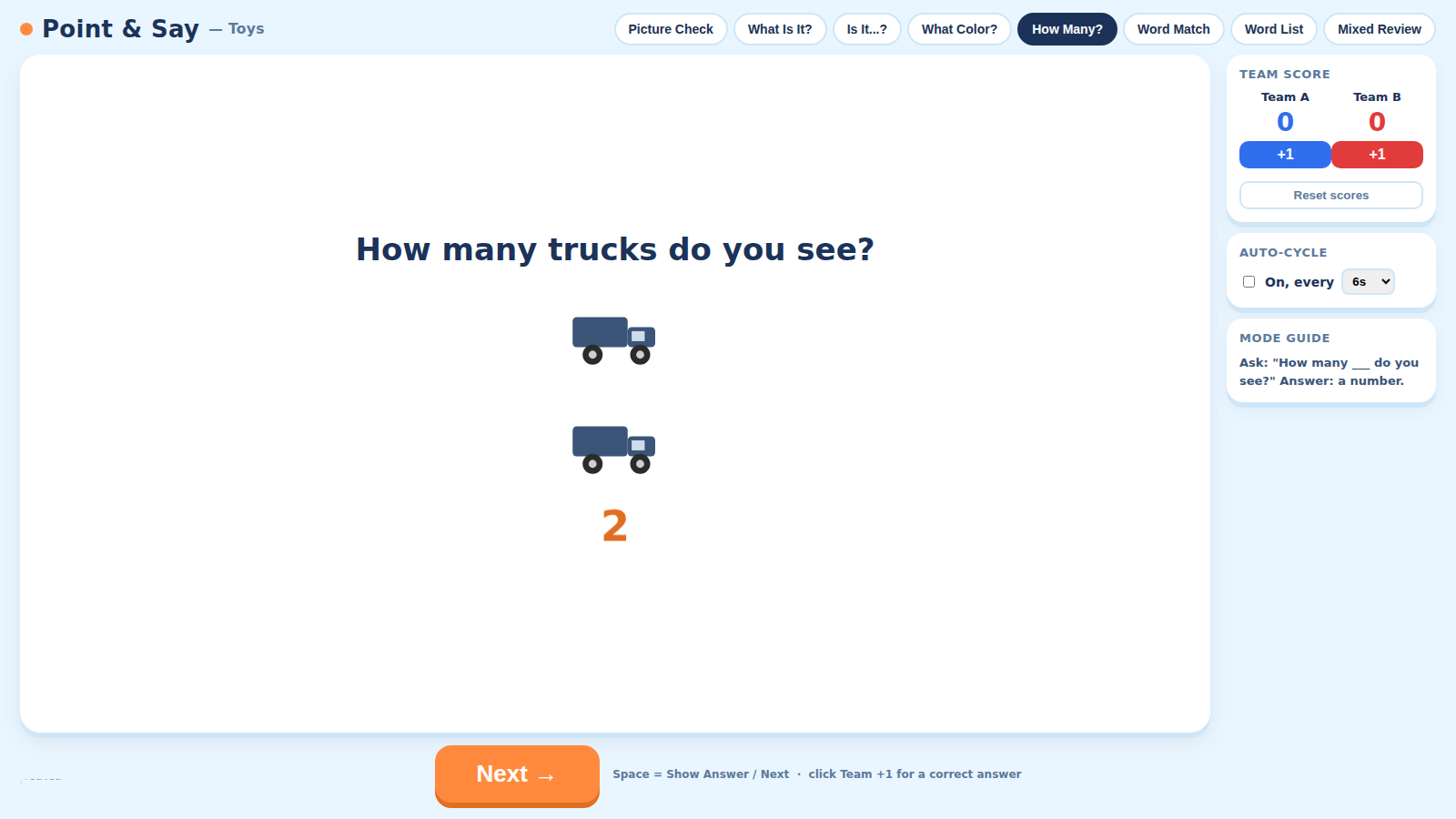
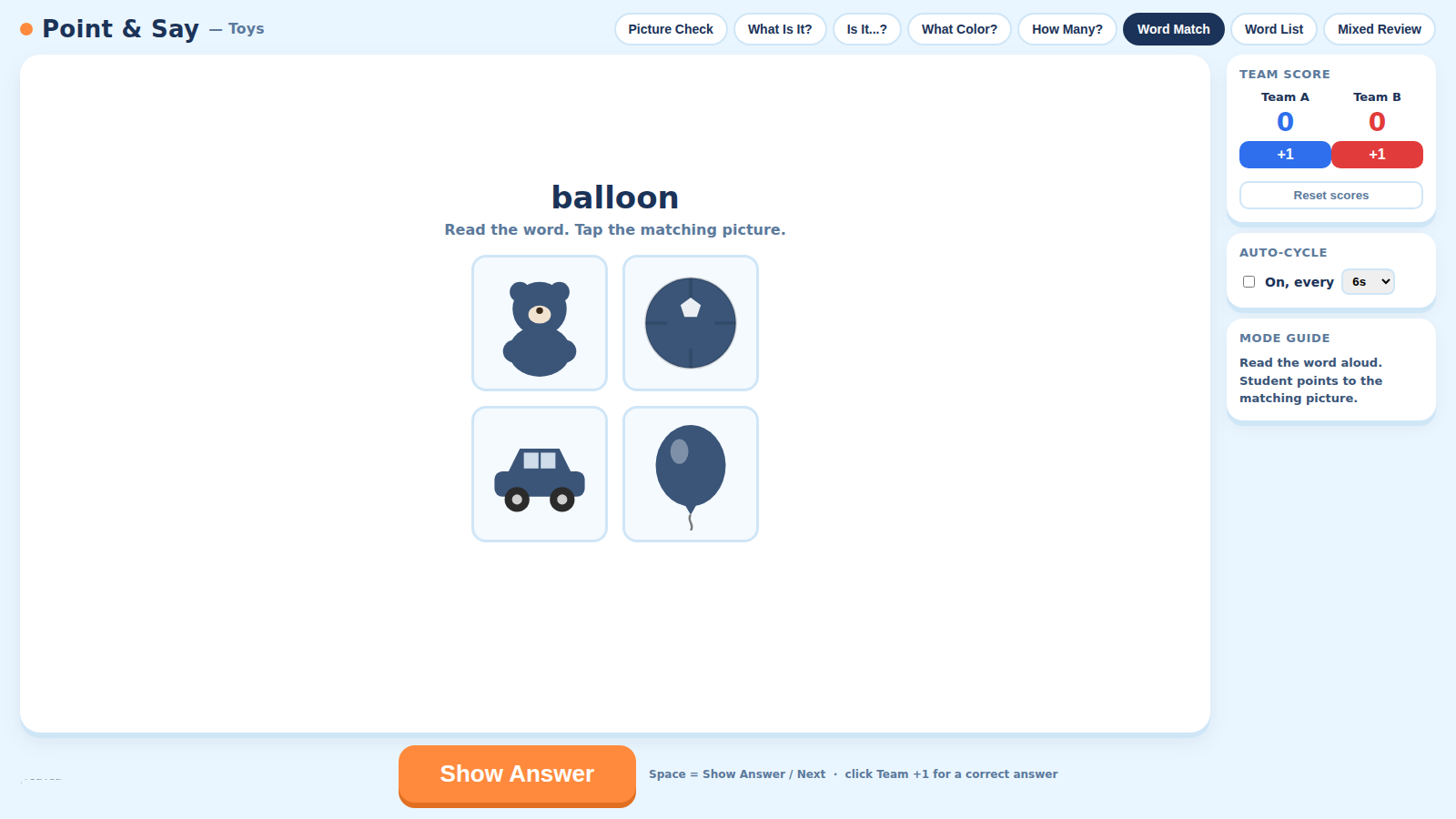
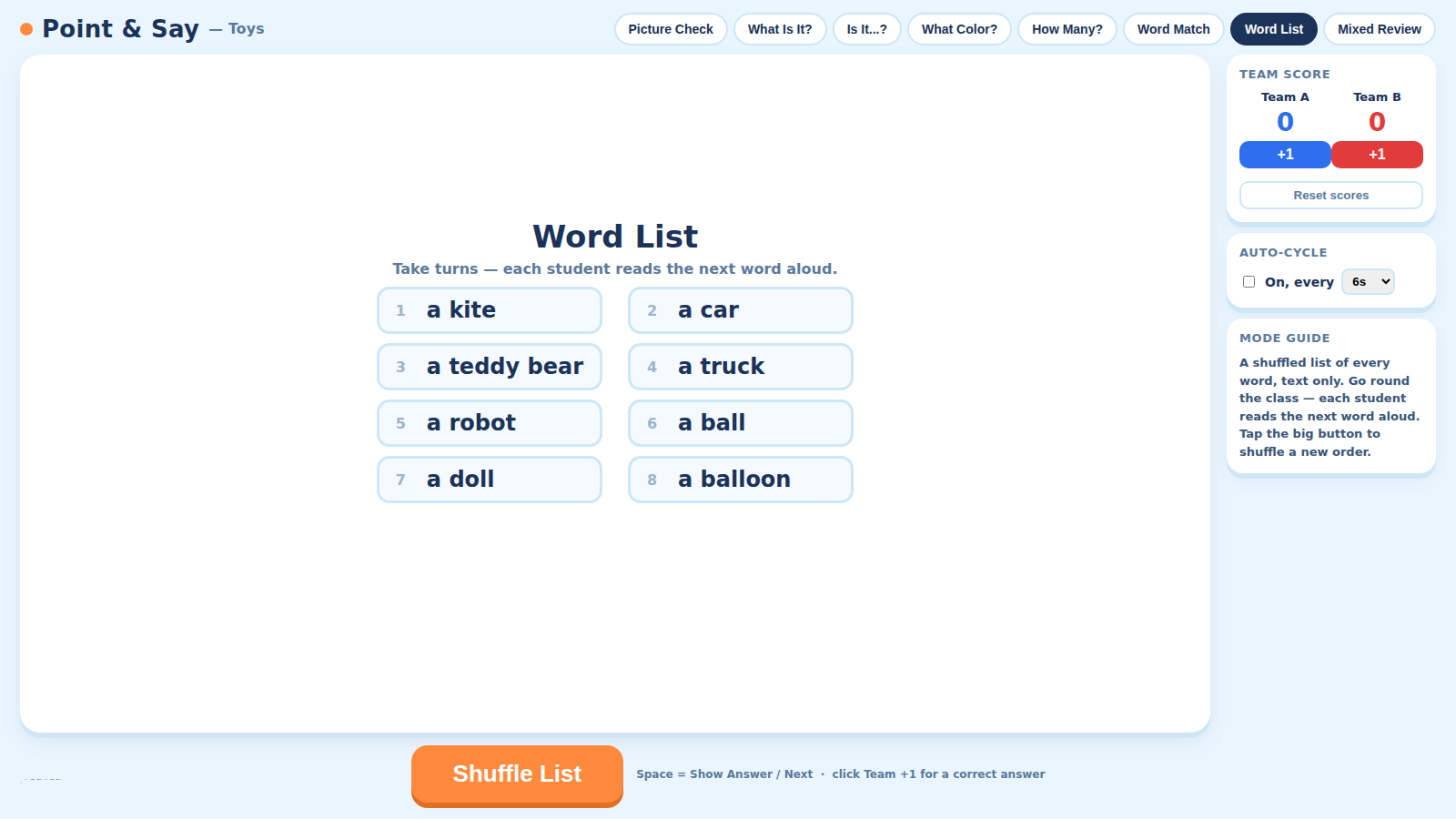
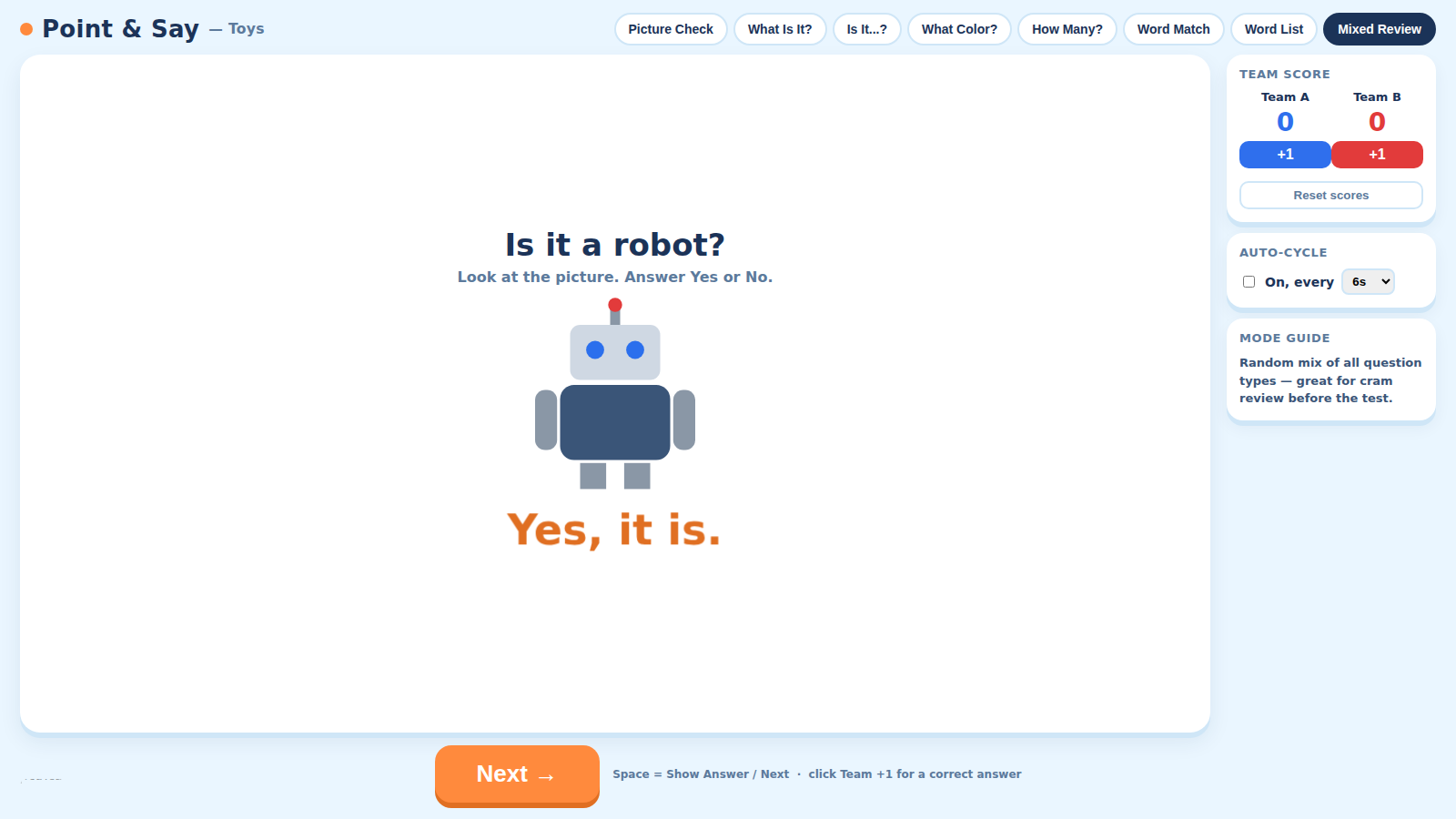
Point and Say – Toys drills the Unit 2 vocabulary set — ball, balloon, car, doll, kite, robot, teddy bear, truck — plus colors and counting 1–6, through eight switchable modes. Picture Check lets students meet every toy first (tap to reveal, tap to hide) before any quiz starts. What Is It?, What Color?, and How Many? ask the core oral-test question patterns with full-sentence answers expected ("It's a robot," "It's orange," "Six"). Is It…? is new for this unit — it drills the Yes/No pattern from the textbook's Language in Use page ("Is it a car?" — "No, it isn't." / "Is it a truck?" — "Yes, it is."). Word Match flips reading around — students read a word and tap the matching picture. Word List shuffles all eight words (each shown with its article, e.g. "a truck") so every student gets a turn reading one aloud. Mixed Review randomly cycles the quiz modes, with an optional Auto-Cycle timer (4–14s) for rapid-fire, test-speed pace. Built-in two-team scoring runs throughout.
Features
Learn before you're quizzed
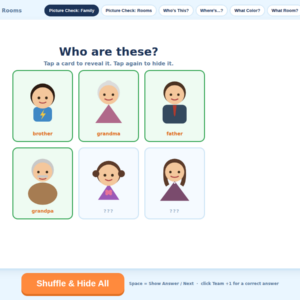
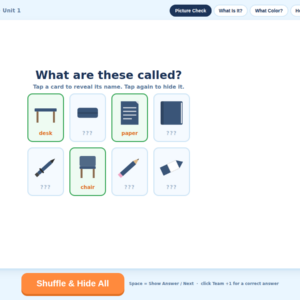
Picture Check shows every toy in a shuffled grid with a hidden label — students guess, then tap to reveal, before any scoring starts.
A brand-new Yes/No pattern
Is It…? drills the unit's new "Is it a car? — No, it isn't." pattern straight from the textbook's Language in Use dialogue.
Every student gets a turn
Word List shuffles all eight vocabulary words — complete with their articles, like "a truck" — for quick round-robin reading practice.
Auto-Cycle for test-speed cram review
Mixed Review can run hands-free on a 4–14 second timer, simulating the pace of the real test — perfect for the lesson right before testing.
What’s included
- ✓Windows installer (.exe)
- ✓Mac installer (.dmg)
- ✓YouTeacher Activator — one app licenses every game on your USB
Set up in 4 steps
-
Start with Picture Check
Let students meet every toy first — tap to reveal, tap to hide — before anyone is quizzed on it.
-
Drill all four question types
Switch between What Is It?, Is It…?, What Color?, and How Many?, awarding points with the +1 buttons as students answer in full sentences.
-
Give everyone a turn with Word List
Shuffle the list and have students take turns reading the next word aloud, article included.
-
Cram with Mixed Review
Turn on Auto-Cycle before a test to run the quiz modes back-to-back at your chosen pace.
Reviews
There are no reviews yet.